THE COMMERCIAL CREATIVE PLAYBOOK
From product photo
to commercial ad.
Runway + GPT and Higgsfield + Claude: two practical ways to turn a clear brief into an ad worth testing.
WATCH THE VIDEO
AI commercial ads, in motion.
Having trouble playing it here? Watch on YouTube.
THE USEFUL SHIFT
A beautiful clip is one ingredient. A commercial needs a reason to buy.
Start with one audience, one honest promise and one next action. Then build the images, motion and edit around them. Generative AI can help a small brand explore creative directions; it does not prove that an ad will sell.
For a D2C brand, local retailer or creative agency, the opportunity is concrete: develop product films and test different openings without arranging a new shoot for every idea. The hard work remains recognisable—accurate products, coherent storytelling, sound, readable offers and an approval process.
This guide compares workflows, not model quality. The recommendations and fictional perfume example are our editorial framework, not results from a head-to-head benchmark. “GPT” here means the assistant in ChatGPT; generation is performed by the connected media service.
01 / CHOOSE THE WORKFLOW
Pick the working environment your team can actually review.
Runway + GPT
Useful when you already develop campaign ideas in ChatGPT and want to brief Runway from that conversation—or move approved prompts into Runway manually.
Recommended starting taskOne product, one carefully directed hero sequence.
Higgsfield + Claude
Useful when your team works in Claude and wants a connected production workflow for product, creator-style or explainer creative.
Recommended starting taskOne approved concept, then controlled format variants.
These are convenient pairings, not exclusive partnerships. Runway also documents support for Claude and other MCP-compatible assistants. MCP is the connection that lets an assistant call an external tool. Neither pairing removes the need to check every output. [1]
| Decision | Runway + GPT | Higgsfield + Claude |
|---|---|---|
| Planning | Brief, angles, scripts and shot instructions in ChatGPT. | Brief, scripts and production instructions in Claude. |
| Connected execution | Runway plugin, authenticated with a Runway account. [1] | Higgsfield MCP connector, authenticated with Higgsfield. [2] |
| Approval gate | Approve reference frames and test shots before producing the sequence. | Approve the initial direction before requesting more variants. |
| Cost comparison | Use the actual model, duration, resolution, attempts and finishing time. A subscription headline is not the cost of an accepted ad. | |
02 / BEFORE YOU GENERATE
Make a six-part creative brief.
- Buyer and placement. Who is this for? Choose one placement and viewing context, such as a vertical mobile feed.
- One promise. State a supported benefit. Keep aspirational mood separate from factual performance claims.
- Reference pack. Front, side and detail product photographs; logo artwork; approved colours; exact offer and destination URL.
- Locked features. List the bottle shape, cap, label, colour and scale that must remain consistent. Instructions reduce ambiguity, but do not guarantee preservation.
- Deliverable. For this example: a 15-second 9:16 master, three hook variants, final captions and a clean end card.
- Approval and limits. Name the reviewer, set a generation budget and define when a failed shot should be replaced with real footage.
For an Indian campaign, approve English, Hindi and Bengali copy separately when those audiences matter. Have a fluent reviewer check pronunciation and meaning; translated offers must keep the same conditions.
03 / WORKFLOW A
Runway + GPT: brief, direct, refine.
Runway’s official setup page describes adding its plugin in ChatGPT, signing in to Runway and mentioning @Runway. Generations use Runway credits; available models and settings depend on the account. Follow the current vendor setup page if the interface differs. [1]
- Develop the concept. Give GPT the approved facts and reference pack. Ask for three genuinely different hooks, then choose one.
- Lock the visual. Approve a still frame for each shot. Inspect the packaging before paying for motion.
- Describe the movement. In Runway image-to-video, the input image sets appearance and composition; the prompt should focus on the action and camera movement. Start simply and refine one variable at a time. [3]
- Review a short test. Watch the label, reflections and silhouette throughout the clip. A correct opening frame does not guarantee a correct ending.
- Finish the commercial. Assemble the accepted clips, add approved typography, sound and the CTA in an editor. If a connected workflow can assemble them, request it explicitly and still review the export.
If the connector is unavailable: retain the same planning workflow and transfer the approved assets and prompts into Runway. The creative process does not depend on a particular chat interface.
04 / WORKFLOW B
Higgsfield + Claude: establish a direction, then vary it.
Higgsfield documents a Claude workflow using its MCP connector at https://mcp.higgsfield.ai/mcp. Claude coordinates the brief and tool calls; Higgsfield performs the media generation. Its guide covers product, UGC-style, social and explainer formats. [2]
- Connect and provide references. Use the current Higgsfield setup guide, authenticate, then attach the approved product pack.
- Specify the format. A product-led spot needs different direction from a creator speaking to camera. Choose based on the message.
- Review the first direction. Request a plan and initial still before generating the full sequence. Inspect product identity, composition and character appearance where relevant.
- Create the first complete version. State timing, spoken words, audio expectations and required exports. Verify which capabilities the selected model supports.
- Make controlled variants. After approval, change the opening or message angle while keeping the offer and destination consistent. Review each export independently.
A generated creator should not be presented as a real customer giving a genuine testimonial. Use a clearly scripted demonstration, with permission for any real person's likeness or voice. Publishing an ad is a separate action from creating its video.
05 / A WORKED CREATIVE
One fictional perfume. Fifteen useful seconds.
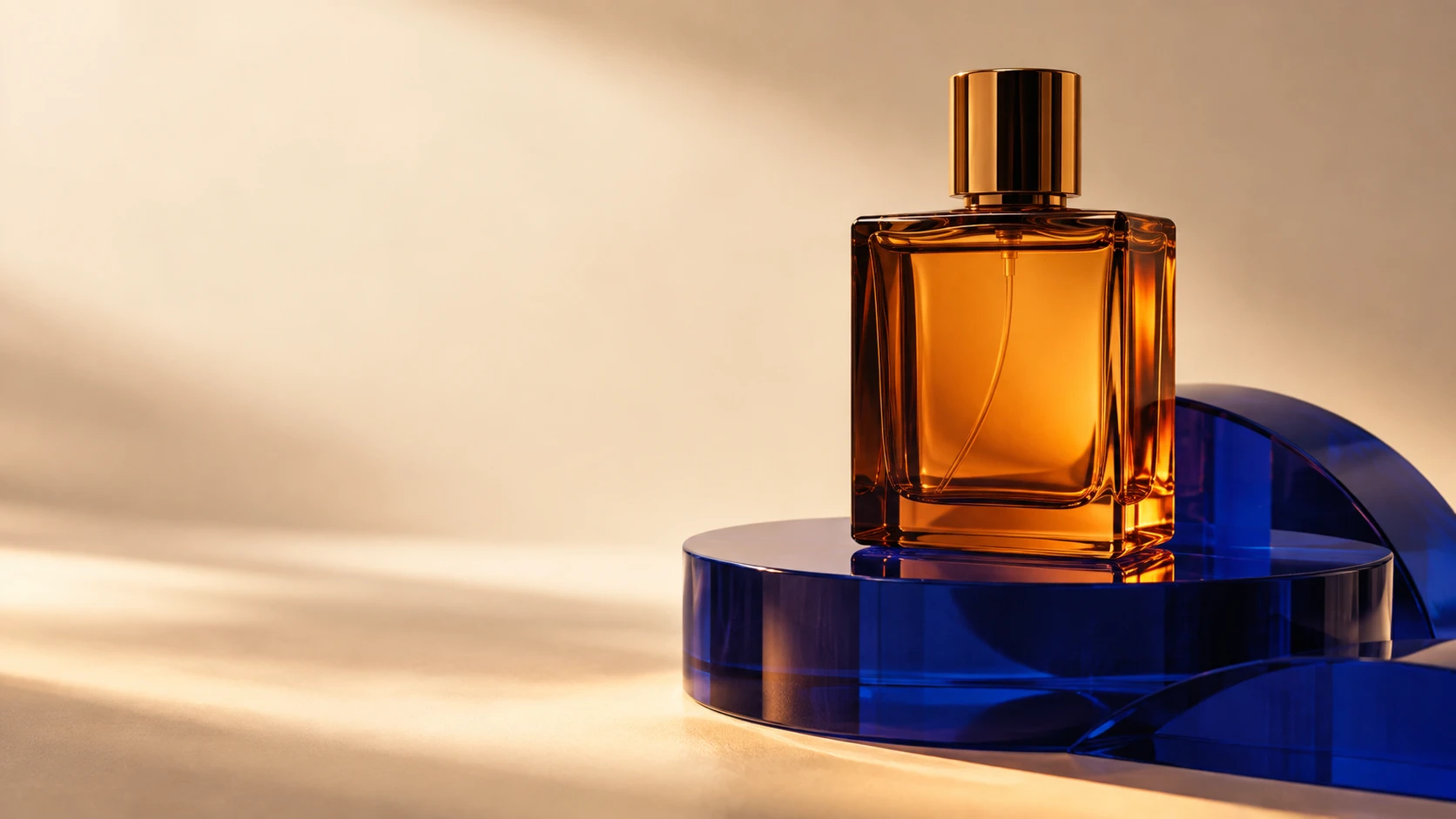
Illustrative concept: a premium perfume sold through an online product page. We know its appearance; we have no verified longevity, ingredient or performance claims. The creative therefore sells a mood and invites discovery.
The hook
Macro reflection slides across the glass. Overlay: “Make an entrance.”
The reveal
Slow camera move reveals the full bottle and its actual packaging.
The mood
Light shifts around the stationary product. Overlay: “Your evening ritual.”
The action
Approved packshot and logo. Overlay: “Discover the collection.”
These are edit durations, not promised model generation lengths. Generate suitable source clips and trim them. Use the real packshot for the final card; place exact logo and CTA artwork in the edit to protect typography.
Sound direction: a restrained instrumental pulse, one soft glass accent and room for the CTA. Use audio licensed for the intended advertising placement. If adding speech, read it aloud against the actual edit rather than assuming a word count will fit.
06 / THE PROMPT DESK
Copy, replace the brackets, then review.
These original prompts are starting points, not guarantees. Attach the referenced files and replace every placeholder before generation.
Prompt 1 — planning in GPT or Claude
Act as a commercial creative director.
PRODUCT: [name + approved facts]
BUYER: [specific audience]
PLACEMENT: [platform and aspect ratio]
OBJECTIVE: [one action]
REFERENCES: [attached product pack and brand guide]

Create three distinct hooks for a 15-second product ad.
Use only the supplied facts. Flag unknowns; invent no claims.
For each hook, give the visual idea and reason it fits the buyer.
Recommend one, then provide a timed shot list, exact overlays,
audio direction and a product-consistency checklist.
Separate facts from creative mood. Wait for concept approval
before calling a generation tool.
Prompt 2 — Runway motion for an approved still
The camera slowly pushes toward the stationary bottle.
A narrow warm reflection travels gently across the glass.
The bottle remains upright, with the label facing the camera.
One continuous controlled shot, with restrained movement.
This motion-first structure follows Runway's image-to-video guidance. [3] Put aspect ratio, duration and resolution in the available controls; check the output rather than relying on “8K” or “no distortion” in a prompt.
Prompt 3 — production brief for Higgsfield + Claude
Use connected Higgsfield tools to develop the approved concept.
Target: 15-second vertical product commercial, 9:16.
Use the attached product reference and approved shot list.
Lock product shape, cap, label placement and colour.

First return the production plan, selected generation settings
and estimated credit usage if the tool exposes it.
Generate one first-frame proposal for review.
After approval, generate the shots and assemble if supported;
otherwise return ordered clips with edit timings.
Keep final logo, offer and CTA as approved editable overlays.
List any deviations or unsupported steps. Do not publish or
create additional paid variants without my instruction.
07 / ACCEPTANCE & ECONOMICS
Count accepted ads, not generated clips.
| Check | Reject when | Practical repair |
|---|---|---|
| Product identity | Label, cap, scale or colour changes. | Simplify movement; use the original packshot or real footage. |
| Physical behaviour | Liquid, reflections or hands behave implausibly. | Remove the complex interaction; rebuild only that shot. |
| Message | Visuals imply an unsupported result or the offer is unclear. | Rewrite around verified facts and reapprove the storyboard. |
| Delivery | Text is covered by interface controls, speech clips or the CTA is unreadable. | Preview in the intended placement and adjust the edit. |
A BETTER COST FORMULA
Cost per accepted ad = total production cost ÷ accepted deliverables
Include credits used on rejected generations, allocated subscriptions, editing, review, licensed audio and any necessary reshoot. Track media spend separately.
Illustration only: ₹1,200 in generation costs + ₹2,400 editing + ₹900 review = ₹4,500. Three accepted ads cost ₹1,500 each. If only one is usable, its production cost is ₹4,500. These are assumed inputs, not vendor prices or a service quote.
Choose an internal stopping rule before you begin—for example, review the approach after three failed attempts at one shot. Changing the shot design can be more useful than repeating the same prompt. Confirm current credit estimates, export settings and applicable commercial-use terms in your chosen account.
08 / LEARN FROM THE CAMPAIGN
Change one variable. Measure a business action.
Start with three openings: a macro product reveal, a lifestyle setup and a direct question. Keep the rest of the commercial, offer and landing page constant. This makes the opening the intended test variable; use your ad platform's experiment tools where available to reduce delivery differences.
- Attention: compare early viewing and completion within the same platform and format.
- Interest: track clicks and landing-page visits; neither alone proves sales value.
- Outcome: use purchases or qualified enquiries, with cost per result and revenue where reliably tracked.
- Diagnosis: strong clicks with weak conversion may point to the offer, page or audience—not only the video.
Set the observation window and spending limit before launch. Avoid declaring a winner from a handful of clicks or comparing campaigns with different audiences and budgets as if only the creative changed.
For a structured business pilot, pair this production workflow with our 30-day AI ROI scorecard. For a wider content operation, use the seven-stage content workflow.
Start with a small, reviewable commercial.
One product. One approved promise. One master edit. Three controlled openings. That is enough to learn whether your workflow produces accurate, useful creative before you scale.
Discuss an AI creative pilotSources & editorial notes
Official vendor documentation checked 24 September 2026. Feature availability, interfaces and credit costs can change. This article is an independent workflow guide; it does not rank the tools by measured output quality.
- Runway: Generate images and videos inside ChatGPT — connection, account and credit requirements.
- Higgsfield: Full ad campaign inside Claude — connected generation and supported creative formats.
- Runway: Image-to-video prompting guide — image references and motion prompting.
Prepared with AI assistance. Prompts, storyboard, budgeting example and recommendations are Visionary AI Studio's editorial synthesis. No paid campaign was run for this article and no performance results are claimed.